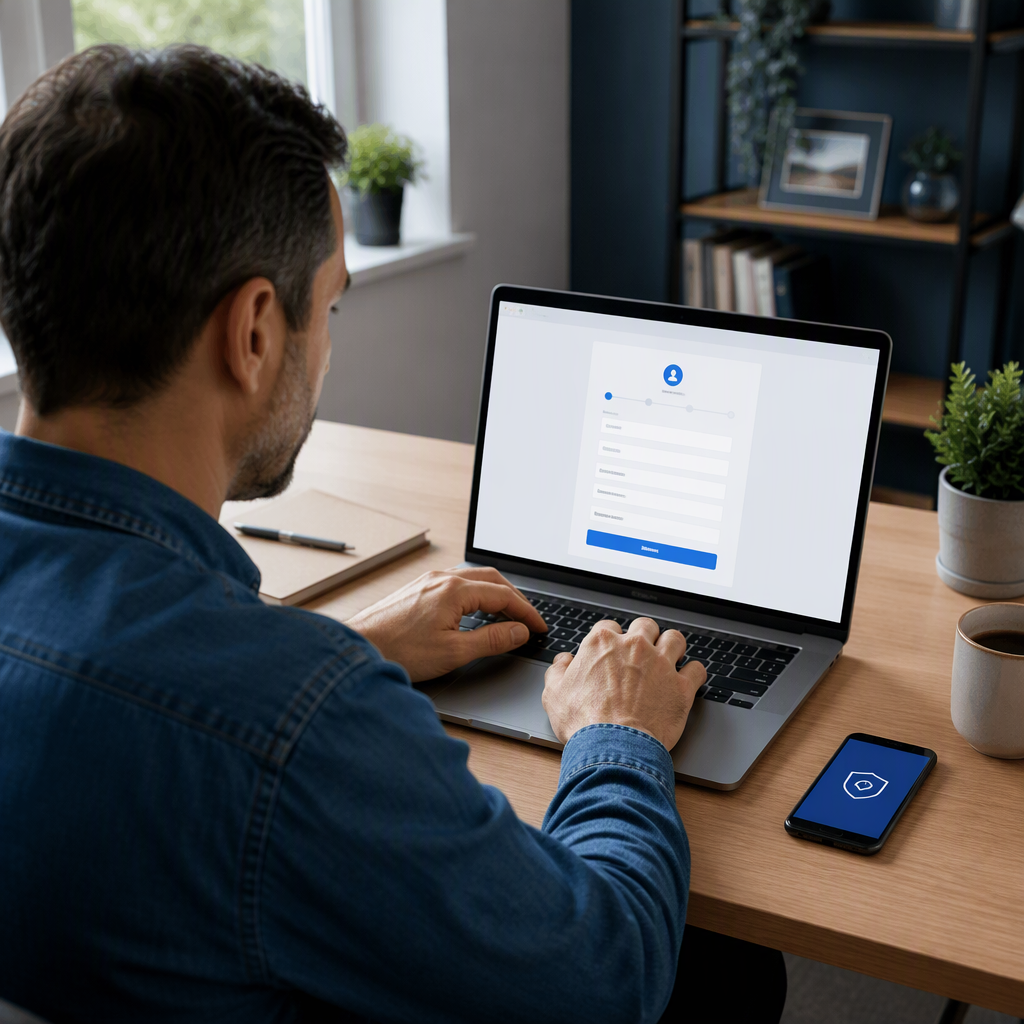

How to Register for a BBC Account: Step-by-Step Guide and Key Features
Whether you want to stream the latest dramas on BBC iPlayer, listen to podcasts via BBC Sounds, or curate personalized news alerts, you must first register for a BBC account. The British Broadcasting Corporation introduced mandatory sign-ins across its digital platforms to deliver tailored recommendations, preserve user watchlists, and maintain service continuity across multiple devices.
Creating an account takes only a few minutes and is completely free of charge. Below is a comprehensive breakdown of how to complete the registration process, what details are required, and how to troubleshoot common setup issues.
Also read: How to Download the BBC App: Features, Updates, and Setup Guide
Why You Need to Register for a BBC Account
A BBC account serves as a unified digital passport across all online services provided by the broadcaster. Once registered and logged in, users unlock several core benefits:
- Cross-Device Syncing: Start watching a programme on your smart TV and resume playback seamlessly on your tablet or smartphone.
- Personalized Recommendations: Receive curated viewing and listening suggestions based on your past activity and selected interests.
- Custom Watchlists and Bookmarks: Save articles, build custom music playlists, and maintain a dedicated “My Programmes” list.
- Localised News and Weather: Receive real-time weather updates and local news coverage tailored to your specific postcode.
Step-by-Step Guide to Register for a BBC Account
Follow these straightforward steps to set up your account on a computer, tablet, or smartphone browser:
1. Visit the BBC Account Portal
Navigate to the official BBC website (bbc.com or bbc.co.uk) and select the Sign in button located at the top-left corner of the homepage. On the login screen, click the link to Register now.
2. Select Your Age Group
The platform will ask whether you are under 13 or 13 years of age or older. This step ensures that age-appropriate privacy standards, content filters, and data protection rules are applied immediately.
3. Enter Your Date of Birth
Provide your day, month, and year of birth. The BBC uses this data to verify your age category and ensure compliance with strict UK broadcasting and digital safety regulations.
4. Submit Your Contact and Location Details
Enter a valid email address and create a strong, secure password containing at least eight characters, including a mix of letters and numbers. If you are located in the United Kingdom, you will also be prompted to provide your UK postcode to enable localized regional news and radio feeds.
5. Verify Your Email Address
Check your email inbox for an activation message from the BBC. Click the verification link provided in the message to confirm your identity and complete the registration procedure.
Understanding UK TV Licence Requirements
While it is free to register for a BBC account, UK viewers must hold a valid TV Licence to watch live television broadcasts or stream on-demand content through BBC iPlayer. During your initial viewing session on iPlayer, the system will ask you to confirm that you are covered by a TV Licence.
International users living outside the UK can still register to access global BBC news, podcasts, and specific audio programming, although on-demand video streaming via BBC iPlayer remains restricted outside British borders due to regional rights and licensing agreements.
Managing Privacy and Security Settings
Once registered, you can manage your account settings at any time by visiting your profile dashboard. Key privacy features include:
- Notification Preferences: Choose whether you wish to receive editorial newsletters, breaking news updates, or marketing emails.
- Watch History: Clear your viewing history or pause activity tracking if you prefer not to receive tailored algorithmic recommendations.
- Parental Controls: Set up a PIN to restrict access to content classified with guidance warnings, safeguarding younger viewers on shared household devices.
What Happens Next
After your registration is verified, you can sign in directly to any BBC mobile app, web browser, or connected TV platform. If you encounter sign-in issues, confirm that your web browser allows first-party cookies and verify that your activation link has not expired. Password resets can be initiated instantly via the primary sign-in portal using your registered email address.
Conclusion
Taking the time to register for a BBC account unlocks a streamlined, personalized entertainment experience across radio, television, and digital journalism. By following the standard registration steps and configuring your privacy preferences, you can safely explore the broadcaster’s extensive catalog from any supported device.




2 Comments
Comments are closed.