
How to Download the BBC App: Step-by-Step Guide and Key Features
Staying informed with reliable global reporting has become essential for mobile users worldwide, prompting millions to download the BBC app each month. As digital media consumption accelerates, the British Broadcasting Corporation (BBC) continues to refine its flagship mobile applications to deliver verified breaking news, live video streams, and localized updates straight to handheld devices.
Whether tracking geopolitical shifts, market movements, cultural developments, or sports scores, mobile readers can access real-time coverage tailored to their preferences. Here is a comprehensive overview of how to install the application, what features it offers, and what upgrades are shaping the platform.
Also read: How to Register for a BBC Account: Step-by-Step Guide and Key Features
Why Download the BBC App Today?
The BBC operates one of the most recognized news gathering networks globally, maintaining foreign correspondents across dozens of international bureaus. Mobile users who download the BBC app gain access to this vast editorial infrastructure with minimal latency.
Key advantages of the platform include:
- Verified Journalism: Objective reporting from seasoned international correspondents.
- Instant Breaking News Alerts: Direct push notifications for major world events.
- Live Video and Audio Feeds: Streaming coverage of unfolding stories and global press conferences.
- Topic Customization: Tailored home feeds organized by regional interests and specific subject matters.
How to Download the BBC App on Android and iOS
The installation process is direct, free of charge, and compatible with modern smartphones and tablets across major operating systems.
Downloading on Apple iOS Devices
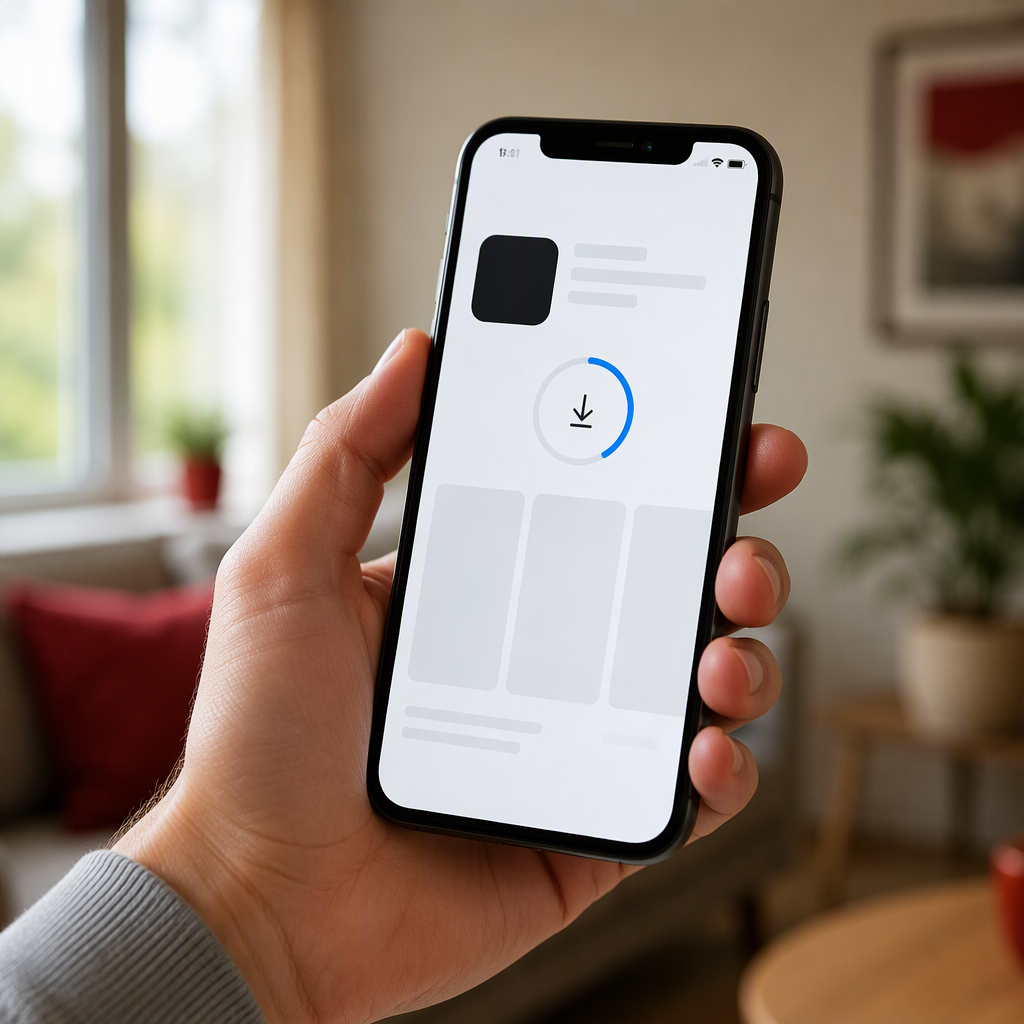
- Launch the App Store on your iPhone or iPad.
- Tap the search icon in the bottom navigation menu and enter “BBC News” or “BBC.”
- Select the official application published by BBC Media Applications Technologies Limited.
- Tap Get and authenticate using Face ID, Touch ID, or your Apple ID passcode.
- Open the application from your home screen and follow the initial setup prompts to select notification preferences.
Downloading on Google Android Devices
- Open the Google Play Store on your Android phone or tablet.
- Type “BBC News” into the top search bar.
- Verify the publisher name to ensure authenticity and select the official app.
- Tap Install to begin the automatic download and installation.
- Launch the app to customize your favorite topics and adjust breaking alert settings.
Key Features of the Modern BBC News App
Recent platform iterations emphasize speed, accessibility, and multimedia integration. Users can switch between standard light mode and an automated dark mode designed to reduce battery drain and eye fatigue during low-light reading.
Furthermore, the application integrates offline reading capabilities, caching top stories when connected to Wi-Fi so commuters can browse without an active cellular connection. Clear navigational tabs separate world events, business developments, technology analysis, and lifestyle journalism into distinct, easily navigable feeds.
What Happens Next
Broadcasters are currently investing heavily in generative interface design and interactive audio-visual formats. Industry analysts expect the BBC to roll out deeper podcast integration and enhanced vertical video streams to cater to younger demographics seeking concise, visual-first storytelling formats directly on mobile devices.
Conclusion
Digital readers seeking factual, verified reporting can easily download the BBC app on any compatible modern smartphone. With robust notification controls, multimedia streaming, and customizable topic feeds, the app remains a vital resource for keeping up with the rapid pace of global affairs.