
How to Download the BBC App: A Complete Guide to Features, Setup, and Live News
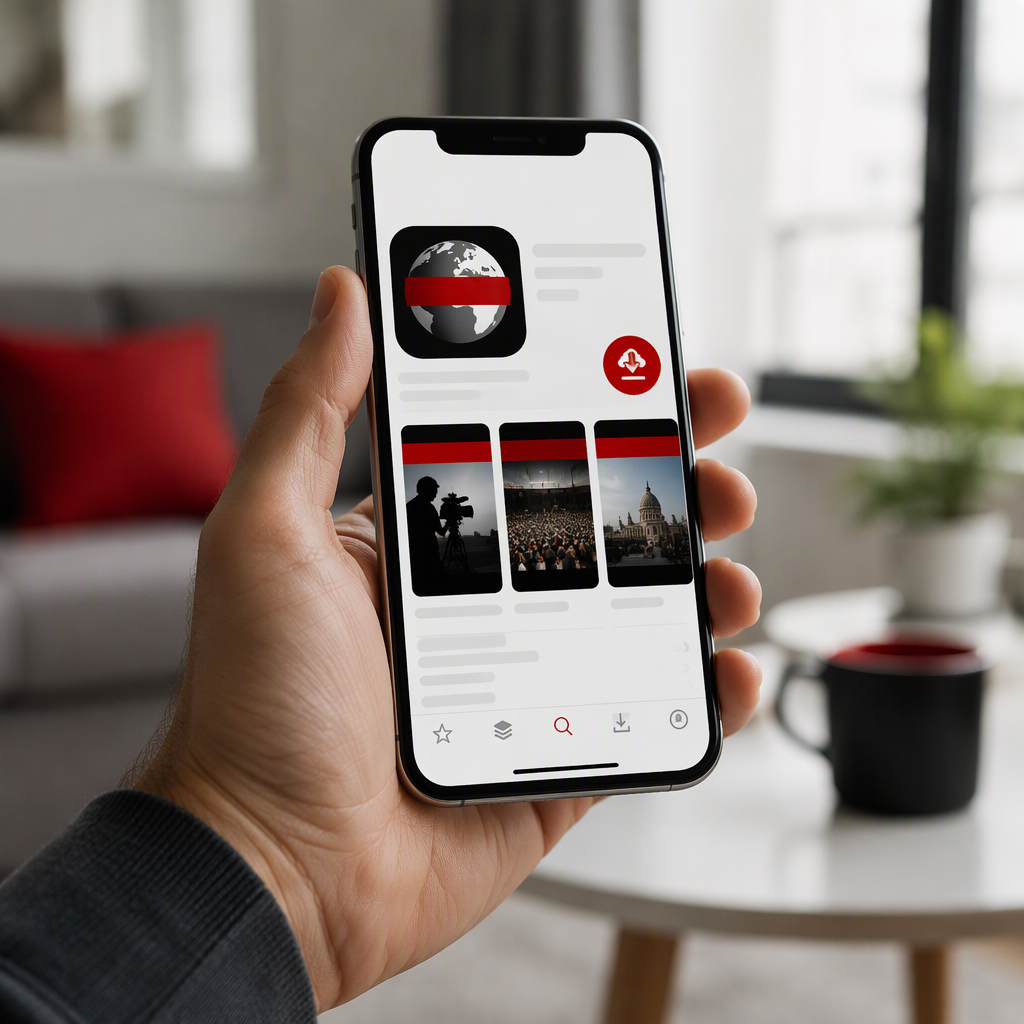
As global audiences increasingly consume reporting on mobile devices, millions of readers turn to trusted public broadcasters for real-time information. Whether you need breaking coverage or in-depth analysis, choosing to download the BBC app provides instant access to verified reporting, live updates, and multimedia content from around the world.
The British Broadcasting Corporation (BBC) has steadily revamped its digital applications across mobile operating systems. The updated platform delivers faster load times, personalized topic feeds, and integrated audio streams, making it a central hub for international news consumers.
Also read: How to Follow 2026 Election Night Results on Fox News: Live TV, Streaming, and Digital Guide
Why Millions Download the BBC App for Breaking News
The BBC remains one of the world’s most widely recognized news organizations, known for its editorial standards and comprehensive international correspondent network. When users download the BBC app, they gain access to a curated news stream free from clickbait headlines.
Key advantages of the mobile platform include:
- Verified Journalism: Fast, fact-checked reporting on geopolitical developments, business, science, and culture.
- Live Notification Alerts: Immediate alerts sent straight to lock screens during critical global events.
- Personalized Content: The ability to select specific beats, such as climate, technology, or regional politics, using the “My News” interface.
- Integrated Media: Seamless access to short-form video explainers, live television broadcasts where available, and radio bulletins.
Step-by-Step Guide to Download the BBC App on Mobile
Acquiring the official application is straightforward and free of charge on both major smartphone platforms.
Installing on Apple iOS (iPhone and iPad)
To install the software on an iOS device, open the official Apple App Store. Search for “BBC News” in the search bar, ensuring the developer name listed is “BBC Media Applications Limited.” Tap the “Get” button and authenticate using Face ID, Touch ID, or your Apple Account password. Once downloaded, the application will install automatically on your home screen.
Installing on Android Devices
Android smartphone and tablet users can access the Google Play Store to complete the setup. Type “BBC News” into the search field and select the official app published by the BBC. Tap “Install” to begin downloading the package. After the installation completes, tap “Open” to launch the service.
Navigating Core Settings and Personalization
After you successfully download the BBC app, setting up your preferences ensures you receive the most relevant information without notification fatigue.
Upon initial launch, the application prompts users to grant notification permissions. Opting in allows the editorial desk to push major breaking developments. Users can refine these alerts in the settings menu, filtering out general updates in favor of specific interests.
The “My News” tab allows readers to add specific topics, countries, and columnists to an aggregated personal feed. Furthermore, the app features an offline reading function, which caches articles automatically so users can catch up during transit without consuming cellular data.
Security Note: Verify Official App Stores
Cybersecurity analysts consistently advise mobile users to avoid third-party APK repositories or unauthorized app marketplaces. Counterfeit applications mimicking legitimate news outlets can carry malware or invasive tracking software. Always ensure you download the BBC app directly from the Google Play Store or Apple App Store to protect your device integrity.
What Lies Ahead for BBC Mobile Platforms
Digital broadcasting continues to shift toward integrated experiences. The BBC is currently investing in deeper integration between its news platform and its audio streaming service, BBC Sounds. Future updates are expected to expand vertical video formats, interactive data journalism features, and improved accessibility tools for users with visual or auditory impairments.
Conclusion
Mobile reporting requires a balance of speed, accuracy, and intuitive design. When you download the BBC app, you equip your device with reliable, round-the-clock journalism backed by global newsrooms. As digital developments continue to unfold, keeping the application updated ensures uninterrupted access to dependable global news.